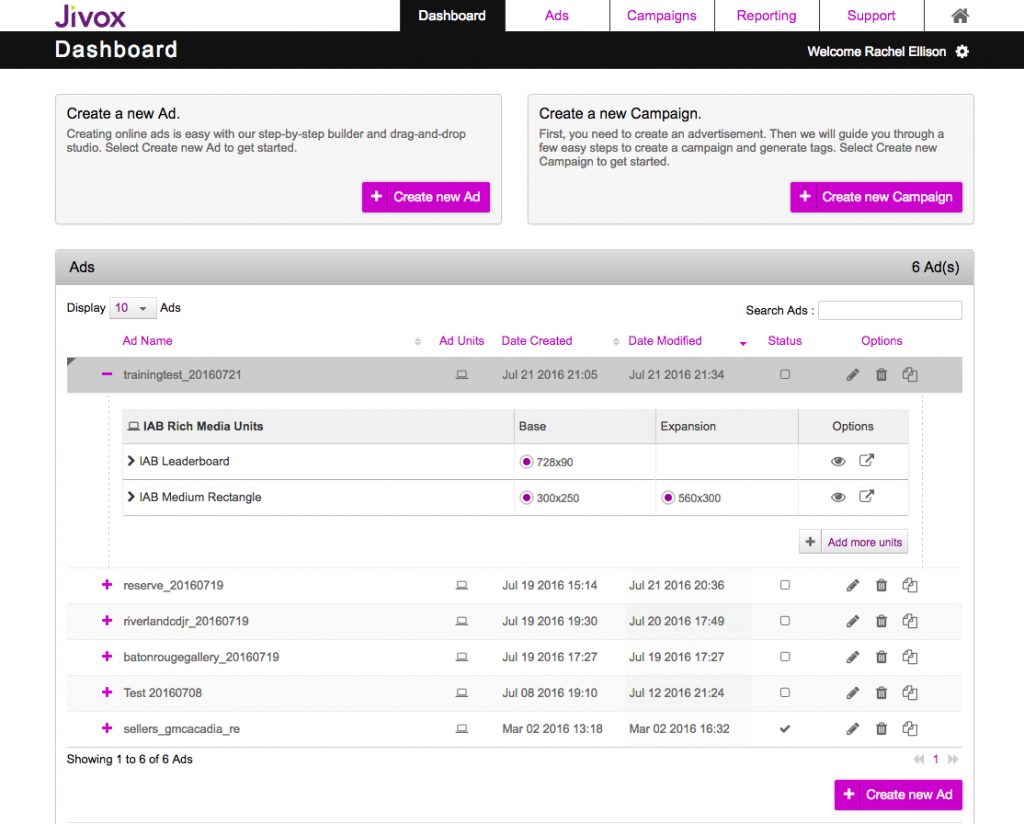
Once logged into your account, you will come to the Dashboard (below) with an overview of all the ads and campaigns within this account. The account name is in the upper right (A).
- Ads: each ad is one set of creative. Ads can have multiple ad unit sizes built within them.
- From the Dashboard, you can use the eyeball icon (B) to preview an ad unit.
- The Status column (C) indicates whether this ad is used in a campaign.
Icon Legend – Ads
Rich Media Ad
Video Ad
Saved
Live
Revert/Publish Changes
Edit
Delete
Clone Ad
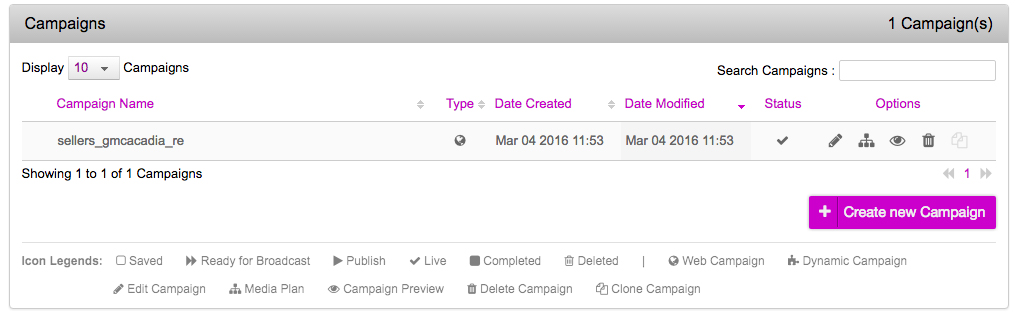
2. Campaigns: this is where ad tags are generated. Refer to Campaigns section for more detailed info.